Guides
Learn First Person Basketball with Steam guides covering controls, shooting, dunking, camera settings, and online 1v1–5v5 multiplayer.
View all GuidesControls, shooting tips, and multiplayer guides for First Person Basketball.
Unofficial First Person Basketball wiki: controls, shooting, dunks, camera settings, multiplayer tips, and Steam patch notes.
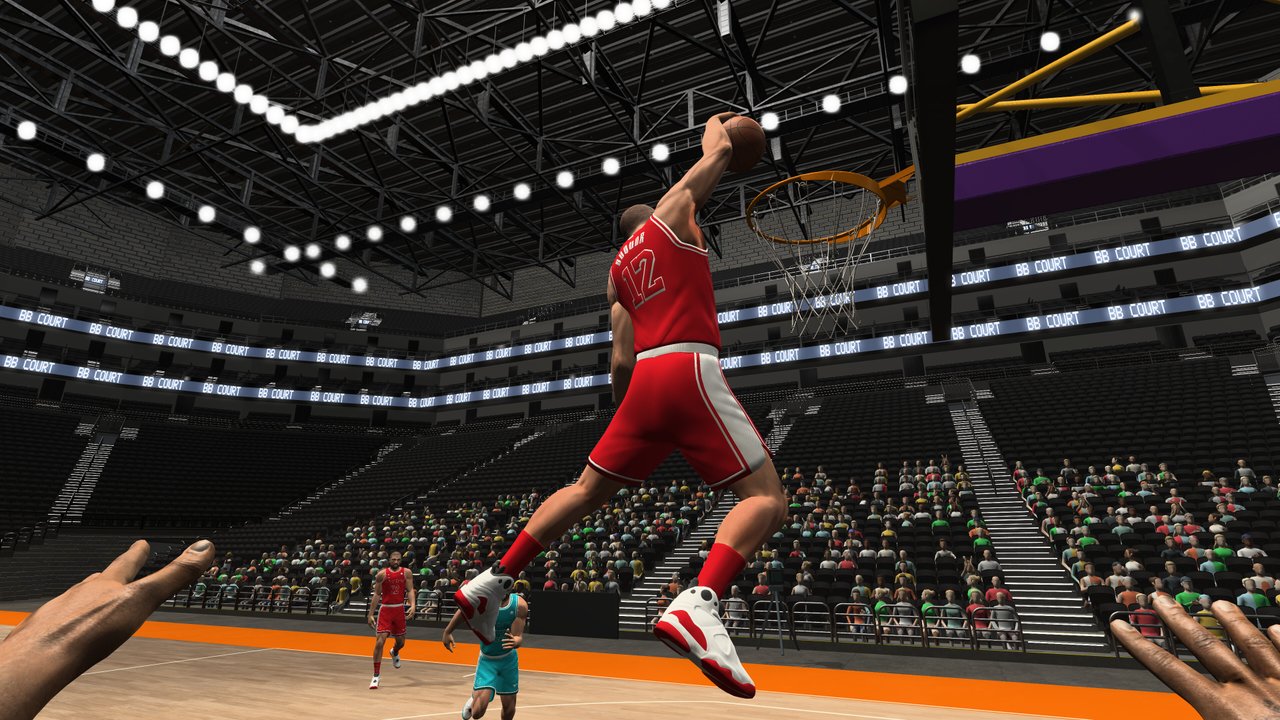
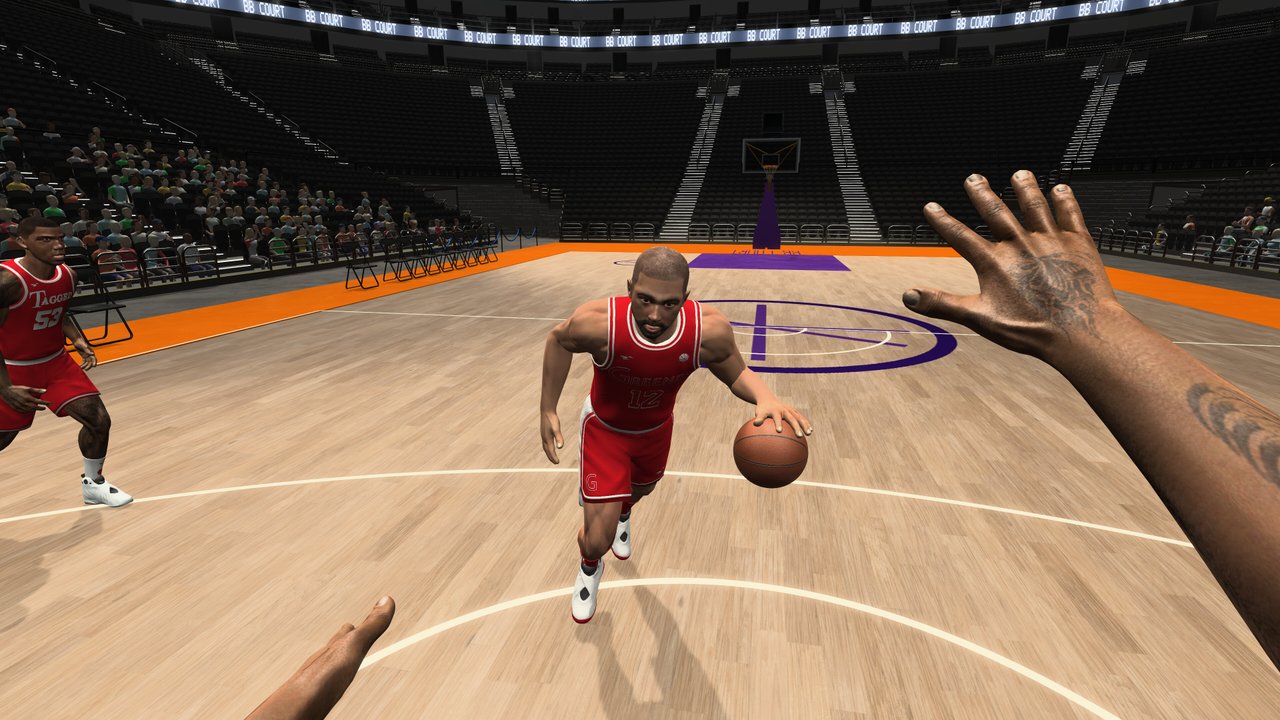
First Person Basketball is a Steam online basketball game from 纸上谈兵工作室 that puts you on court in true first person for 1v1 through 5v5. Move with WASD, jump with Space, and aim shots with the mouse while choosing Stable or Dynamic camera. Start with the beginner guide, learn the controls, compare playstyles on the tier list, track patch notes, and tune performance in the settings guide.
Learn First Person Basketball with Steam guides covering controls, shooting, dunking, camera settings, and online 1v1–5v5 multiplayer.
View all GuidesS/A/B ranking of finishes and moves in First Person Basketball—jumper, layup, dunk, fadeaway, and crossover setups.
View all Tier ListFirst Person Basketball patch tracker: November 2026 launch notes, camera defaults, practice fixes, dunk framing, and online replay changes.
View all UpdatesFirst Person Basketball tools hub: Stable vs Dynamic camera checklists, sensitivity, audio, practice habits, and online version matching.
View all ToolsTrusted First Person Basketball links: Steam store page, how to verify Steam news updates, and community notes for this fan wiki.
View all LinksBuy or add First Person Basketball on Steam, confirm Windows 11 64-bit with about 2 GB free storage, then launch into practice. Follow the getting started guide for the launch checklist, intro sale notes, and common first-hour mistakes.
Move with WASD, jump with Space, and use the mouse to look, shoot, and dunk. The controls guide maps every binding so you can drive, pivot, and contest without fighting the camera.
Work mid-range jumpers, threes, and rim finishes until release timing feels consistent. Use the how to shoot guide for release windows, contested shots, and when to force a dunk.
Most players prefer Stable camera for readable contests; Dynamic can help for freestyle drives. Compare both in camera settings, then lock FPS, sensitivity, and graphics in the settings guide.
Jump into 1v1–5v5 matchmaking once movement and shooting feel solid. Read the multiplayer guide for lobby etiquette and roles, and check updates after every patch for balance changes.
Quick answers to the most common First Person Basketball questions.
First Person Basketball is a Steam online basketball game by 纸上谈兵工作室. You play entirely in first person across 1v1 to 5v5 matches, focusing on WASD movement, mouse aiming, dunks, and camera control. Start with the beginner guide.
Move with WASD, jump with Space, and look or shoot with the mouse. Full binding notes, dunk inputs, and sensitivity tips are in the controls guide.
Stable camera keeps the horizon locked and is easier for contests and mid-range timing. Dynamic camera adds motion for freestyle drives but can feel floaty. Compare both in camera settings.
Launch from Steam, open matchmaking, and choose 1v1 through 5v5 lobbies. A stable connection and tuned settings help—see the multiplayer guide and settings guide.
Steam lists Windows 11 64-bit and about 2 GB of available storage. Processor and graphics fields on the store page may be blank—verify the live Steam requirements before you buy.
This wiki supports: English, Français, Deutsch, Español. Configure locales in site.meta.json and run npm run generate:i18n.
No. This is an unofficial fan wiki for First Person Basketball. Always confirm patch notes, pricing, and announcements on the official Steam page and developer channels. Track community summaries on our updates hub.
From WASD movement and shooting timing to Stable camera setups and online matchmaking, our guides cover every First Person Basketball mechanic. Start with the beginner guide or jump into controls and the settings guide.
Start with the beginner guide